


ManekiSpin Application
The ManekiSpin app puts the entire casino in your pocket, accessible from basically anywhere as long as you’ve got internet. The mobile setup provides you with the same game library, bonuses, and features that you would have while sitting at your computer.



ManekiSpin App Features
The ManekiSpin app takes what works on desktop and reshapes it for touchscreens and smaller displays. Navigation feels natural, games load without lag, and all 6,000+ titles run smoothly. You can deposit money, cash out winnings, grab bonuses, hit up the support team through live chat, and tweak account settings directly from the app. Push notifications alert you when new promotions drop or tournaments kick off, which is something the desktop version doesn’t do.
Portability is where the app really shines over a desktop. You’re not stuck in one spot or tied to a specific device. Sessions can happen on the train, during lunch breaks, or while you’re lounging around at home. The app runs as a progressive web app (PWA), meaning it uses cached data and doesn’t eat up storage space.
Desktop still has the edge on screen size, though. Bigger monitors make online slots with detailed graphics easier to appreciate, and live dealer games benefit from seeing every card clearly. If you like having multiple games open at once, a desktop handles that better. But for single-session play and genuine on-the-go convenience, the mobile casino holds up without feeling limited.
| Feature | What It Does |
| Automatic Updates | Updates roll out in the background without manual downloads or app store hassles |
| Cross-Platform Support | Works across Android, iOS, Windows, and macOS using the same web technology |
| Push Notifications | Sends alerts about new bonuses, tournaments, or account activity in real time |
| Home Screen Access | Launches straight from your device’s home screen like any regular installed app |
| Data Efficiency | Uses up less mobile data compared to running the full browser version |
| Screen Adaptation | Adjusts automatically to different screen sizes and resolutions, portrait or landscape |
ManekiSpin App for Android OS
Android users can jump into ManekiSpin Casino without dealing with complicated setup processes. You can just fire up Chrome or whatever mobile browser you prefer, navigate to the site, and you’re in. All games – slots, table games, live dealers, instant wins – work on Android phones and tablets without restrictions.
The ManekiSpin app for Android isn’t something you download from Google Play. It’s built as a progressive web app (PWA), so you grab the Maneki Spin APK equivalent directly from the casino’s website. This skips the approval delays and keeps installation easy.
Here’s how to get it on your device:
- Pull up the ManekiSpin Casino website on your Android phone or tablet.
- Scroll to the bottom and tap the “Casino App” button.
- Tap “Install” when the prompt shows up.
- Give it a minute or two to finish.
Once it’s installed, the ManekiSpin icon will appear on your home screen just like any other app. Tap it to open, log in if you already have an account or register if you’re new, and you’re good to go. The whole process is quick, safe, and doesn’t bug you for strange permissions or make you jump through extra hoops.
ManekiSpin App for iOS
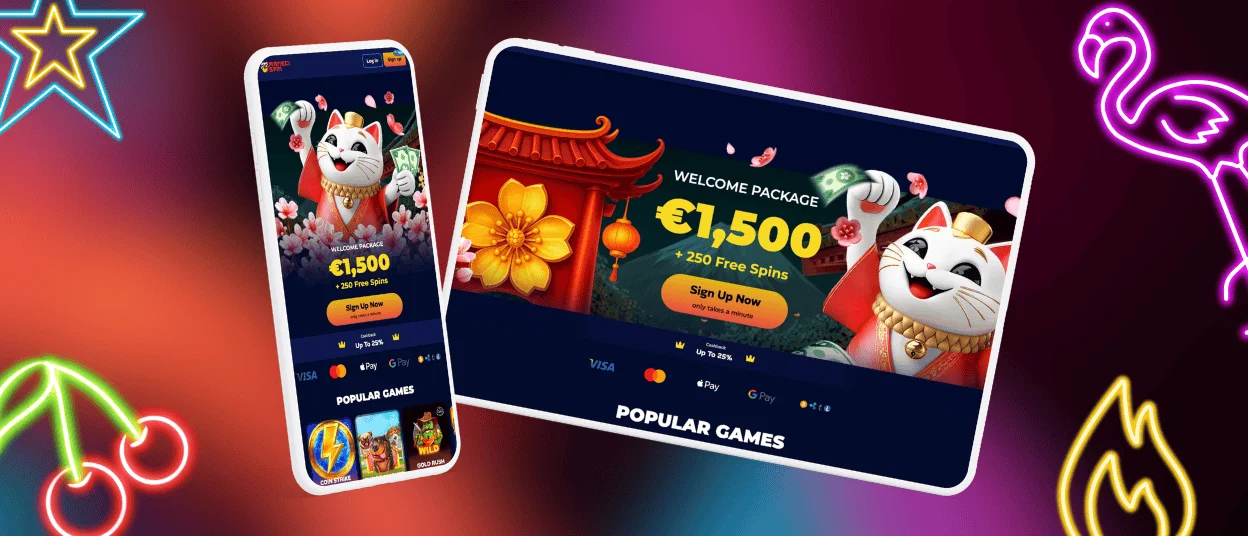
iPhone and iPad users get full access to ManekiSpin Casino either through the mobile browser or by installing the app straight from the site. No App Store hunting required, which cuts out the annoyance of searching or dealing with regional availability issues.
The browser version works fine if you don’t want anything installed. Just open Safari, go to the Maneki Spin site, and play. Everything functions the same as on Android – registration, deposits, withdrawals, game access, and contacting the support team.
For a smoother gaming experience, you can install the app as a shortcut or PWA. This gives you home screen access and turns on push notifications for promos and updates. To set it up in Safari, tap the share button and pick “Add to Home Screen.” You can also use the Shortcuts app on your device for a custom setup. Installing directly from the ManekiSpin website unlocks exclusive mobile-only offers and cleaner navigation.
Maneki Spin Casino – Desktop Version
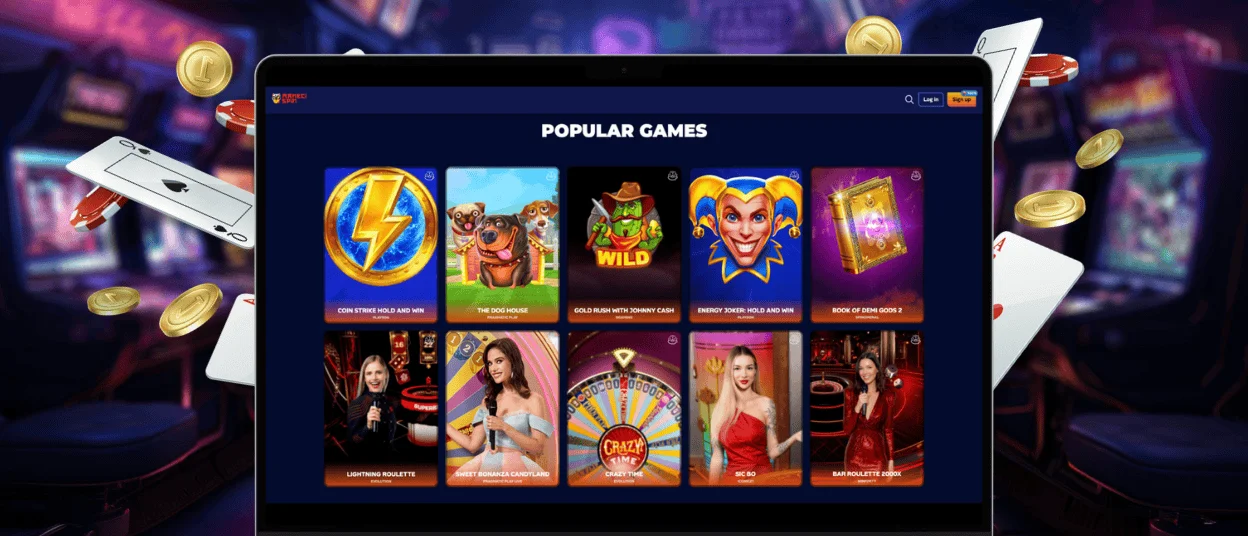
Playing on a computer still makes sense if you want a bigger screen and don’t need to move around. ManekiSpin Casino runs smoothly on Mac and Windows through any modern browser. The design scales to fit your monitor size, and navigation stays clean, no matter what resolution you’re running.
Open your browser, hit the site, log in, and play. For faster access, pin the page in your browser or make a desktop shortcut so you can launch it with one click from your home screen.
Navigation and User Interface
The desktop interface keeps everything understandable. Game categories line up on the left – slots, table games, live casino, and crash games – so jumping between sections is quick. Promotions and account settings sit clearly labelled at the top. Pages load fast, and moving around doesn’t involve excessive clicking or waiting for things to buffer.
If you switch between devices, your progress syncs automatically once you log in. Game history, balance, bonuses, settings – everything carries over without manual transfers or lost data.
FAQ
Is the app optimized for tablets and larger screens?
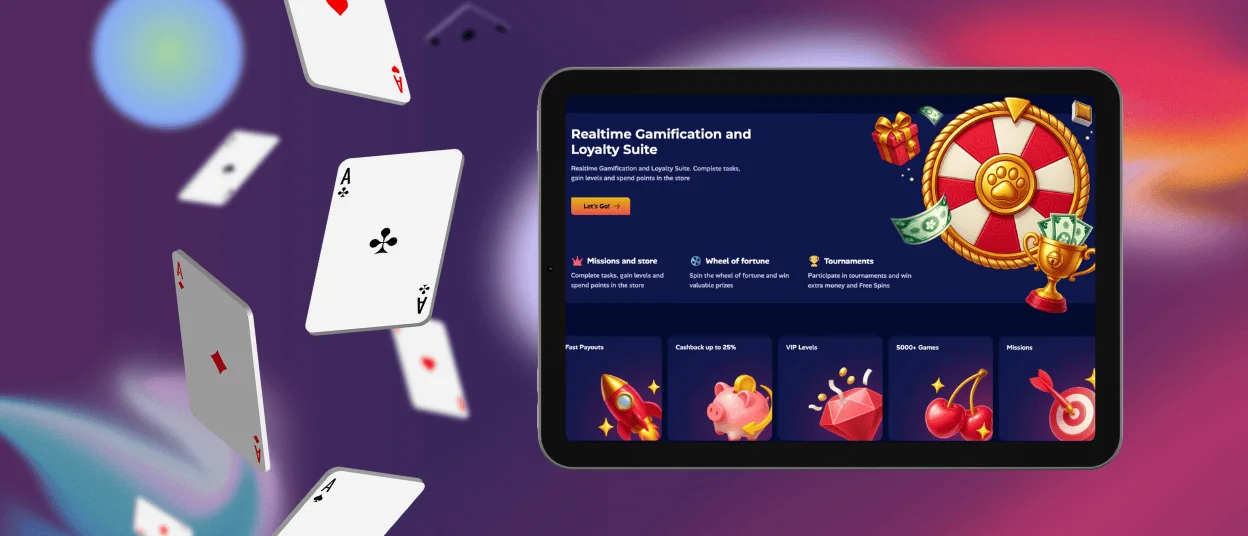
The ManekiSpin app adjusts automatically to different screen sizes and resolutions, tablets included. The layout stretches out to use the extra space without breaking anything. Portrait and landscape modes both work without issues.
Is the app available for both Android and iOS devices?
Maneki Spin supports both Android and iOS through a progressive web app (PWA) that you download straight from the casino’s website. Installation takes a few minutes, and the app runs the same way on both operating systems.
Are all ManekiSpin games available in the app?
All 6,000+ games from the desktop are accessible on the mobile casino app. Games are optimized for touchscreens and smaller displays, so the gaming experience stays smooth regardless of what you’re playing. Before your first withdrawal, you’ll need to complete the verification process, which you can start directly in the app.


